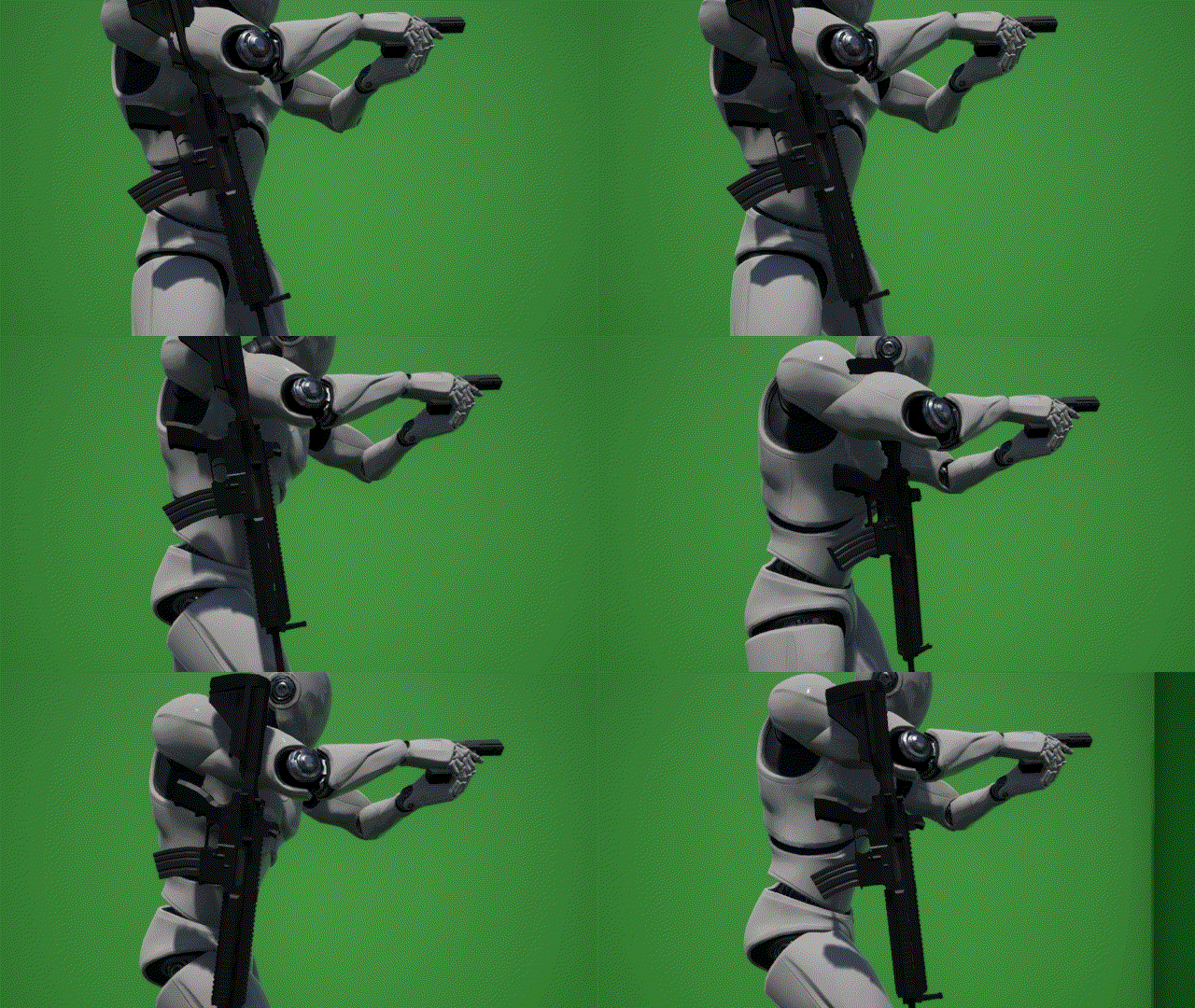
This is a simple guide and setup of an unequipped weapon jiggle. Basically, how to make an inactive weapon in a socket jiggle like it’s strapped to the player. This utilizes unreal’s physics implementation to achieve the effect. This implementation is also set up so you wouldn’t do anything in the player mesh itself, no need to set up a custom mesh for the player with a bone specifically for unequipped weapon, only needing a socket.

Step 1: Bone Setup
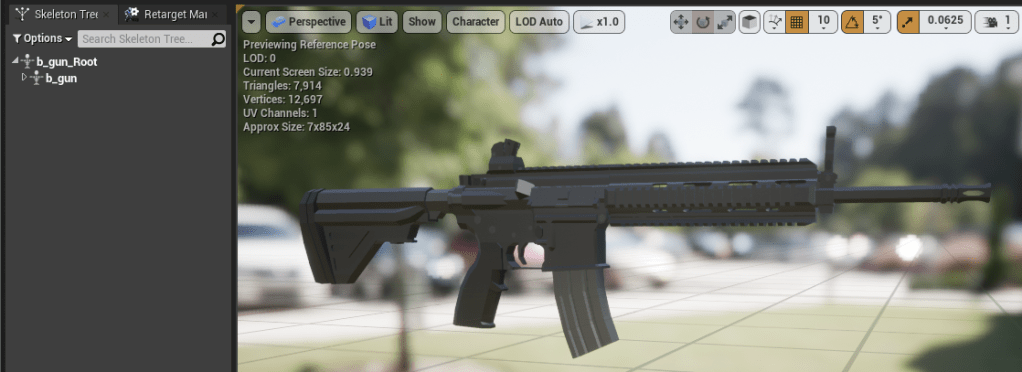
Make sure your weapon bone has an “in-between” bone, a bone between the root and the rest of the bones with rigging. In the image above, my in-between bone is “b_gun” and it contains the rest of the bones. This setup is very important in this style of weapon jiggle implementation.
Step 2: Physics Asset
Create a new physics asset for this mesh.
There will be 2 physics bodies created in this Physics as follows:
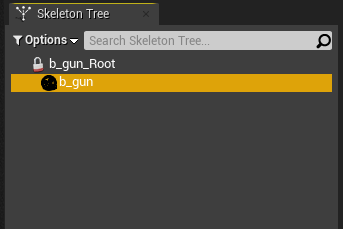
b_gun
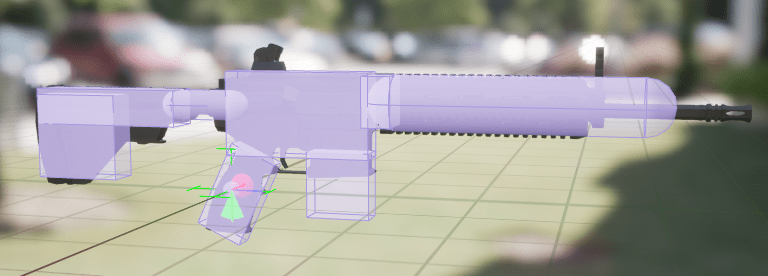
Add a physics body in the b_gun bone and make the primitives however you want (In my case, I made them as accurate as possible). As for the physics properties / settings, keeping it at default is enough.
This will dictate how our weapon collide with the player.
b_gun_Root
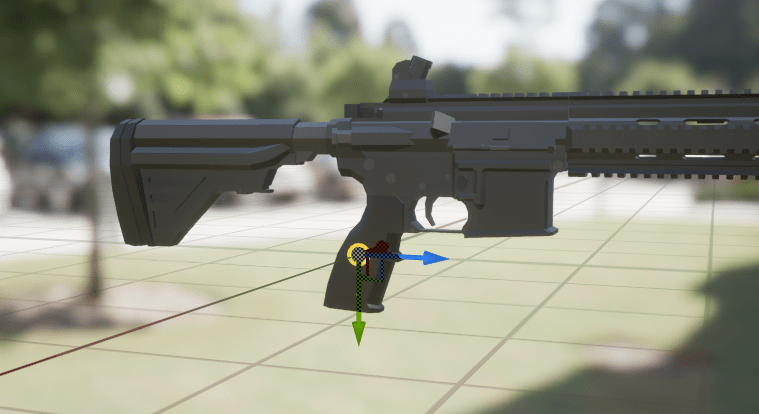

Add a physics body in the b_gun_Root bone. For the primitives, creating a small sphere should be enough. As for the physics properties / settings, see the screenshot on the right.
This will be the “mount” / “dangle” point of our unequipped weapon and changing the settings to Disabled Gravity and Kinematic Physics Type will keep this physics body to whatever actor you attach it to.
Constraint for b_gun & b_gun_Root
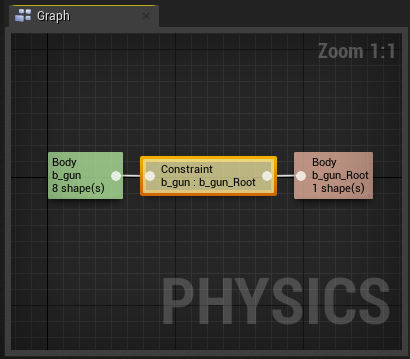
Now select the 2 physics body you created and create a constraint between them. This will act as our “strap” / “string”, keeping the mount point and our weapon mesh within the constraint we set (in this case we’re making it like a dangle effect).
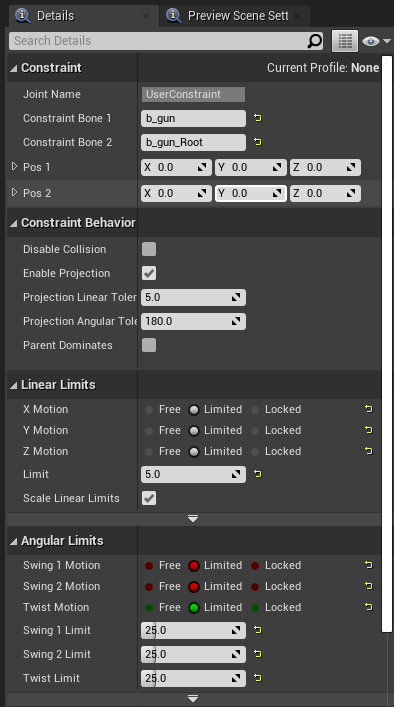
To the right is the configuration / setting I set my constraint at. These settings should achieve the “dangle” effect we want the weapon to react when unequipped in a player socket. Feel free to change these settings yourself if you want a different effect achieved.
Step 3: Target unequipped socket
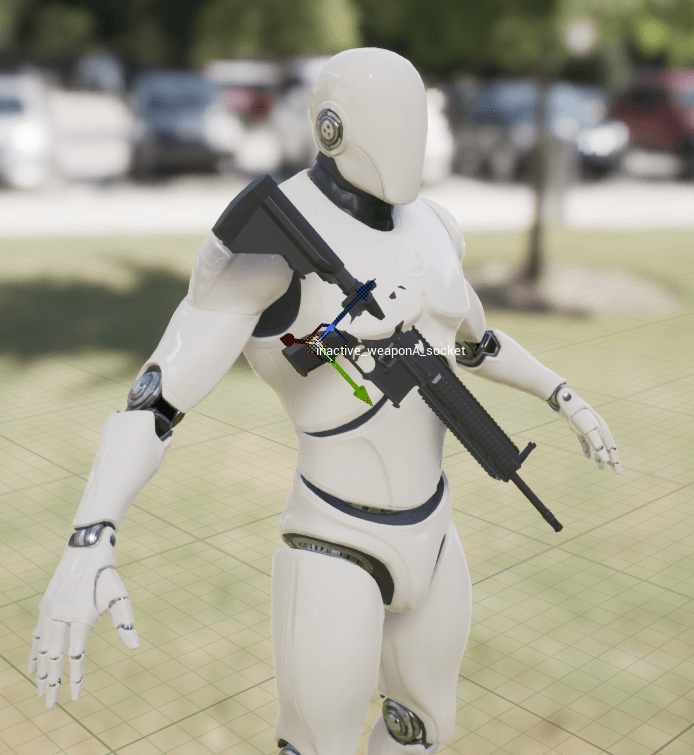
Create a socket in the player mesh where the unequipped weapon will be placed.
Step 4: “Unequip” the Weapon.
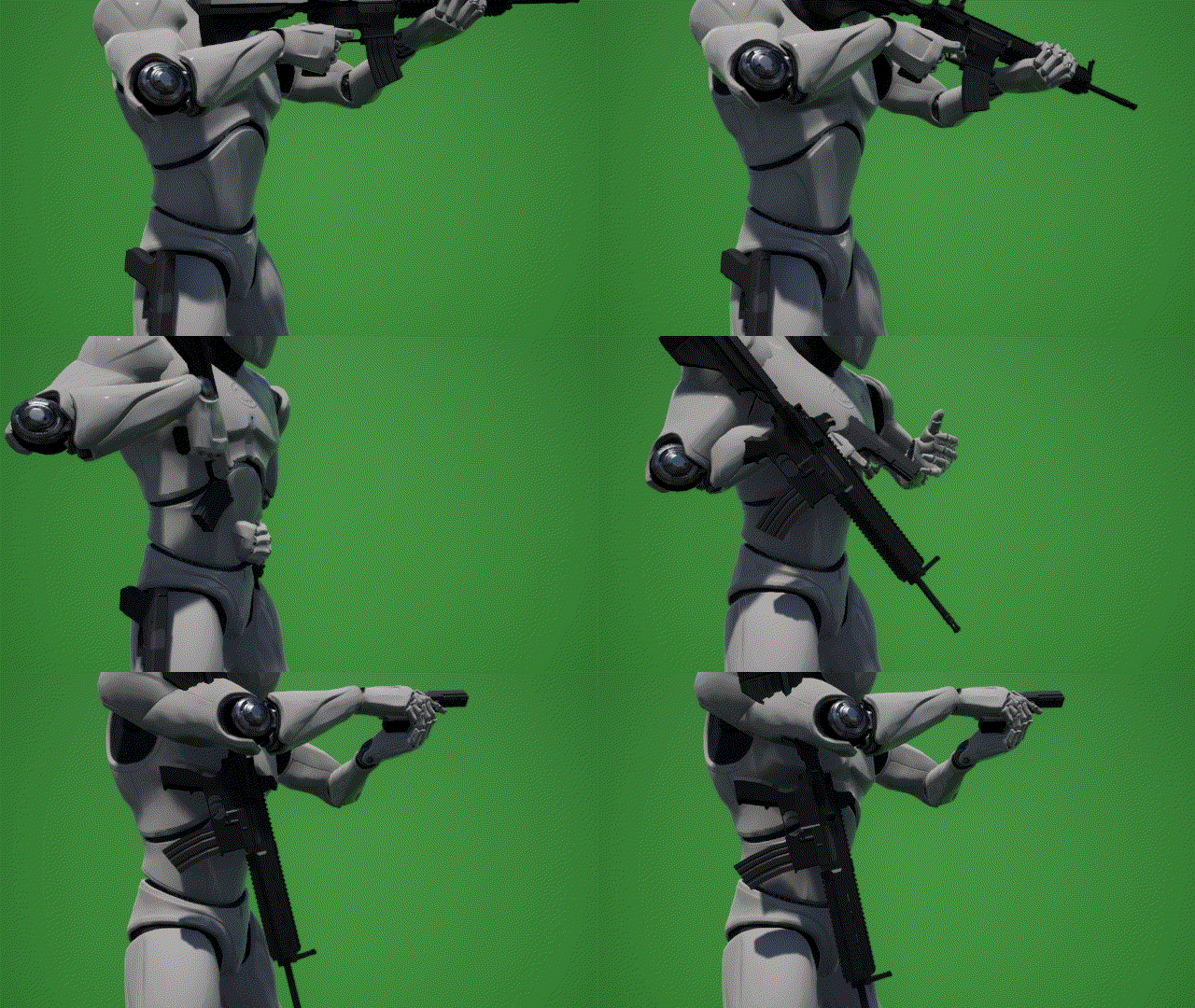
You should create an “unequip” function / event. This should do several things:
- Attach Actor To Owner Mesh, attach the weapon to the unequipped weapon socket we created at Step 3
- Set Physics Asset of the Weapon to the one we created earlier in Step 2 setting the physics asset to the one with “dangle” effect.
- Set Collision Enabled, change the collision mode to either “Physics Only” or “Collision Enabled”
- Set Simulate Physics, toggle the mesh’s simulate option to on.
Call this function when the weapon is supposed to be unequipped and at the unequipped socket.
Non-physics based solution
This implementation of a weapon dangle effect utilizes physics to achieve the effect. As such, on occasion this type of implementation might not be economical or makes sense in terms of optimization.
For a non-physics based solution, one can be implement using the same structure this guide created. First, instead of a physics asset you can apply an animation with the 2 bone mentioned in Step 1 (b_gun & b_gun_Root). Then, some changes are needed to the “unequip” feature. Instead of Setting the Physics Asset, Collision, and Simulation, just apply the unequipped animation and it should achieve the same type of effect.
Credits:
- Engine, Mannequin Mesh, & Stage: https://www.unrealengine.com/en-US/
- HK416 Mesh, AR Mag Mesh, & Bullet Mesh: https://sketchfab.com/TastyTony/models
- Weapon animations: me
 Portfolio: NGG